How to Use the Shouts Page
Manage, analyze, schedule, copy, and delete draft and published Shouts.
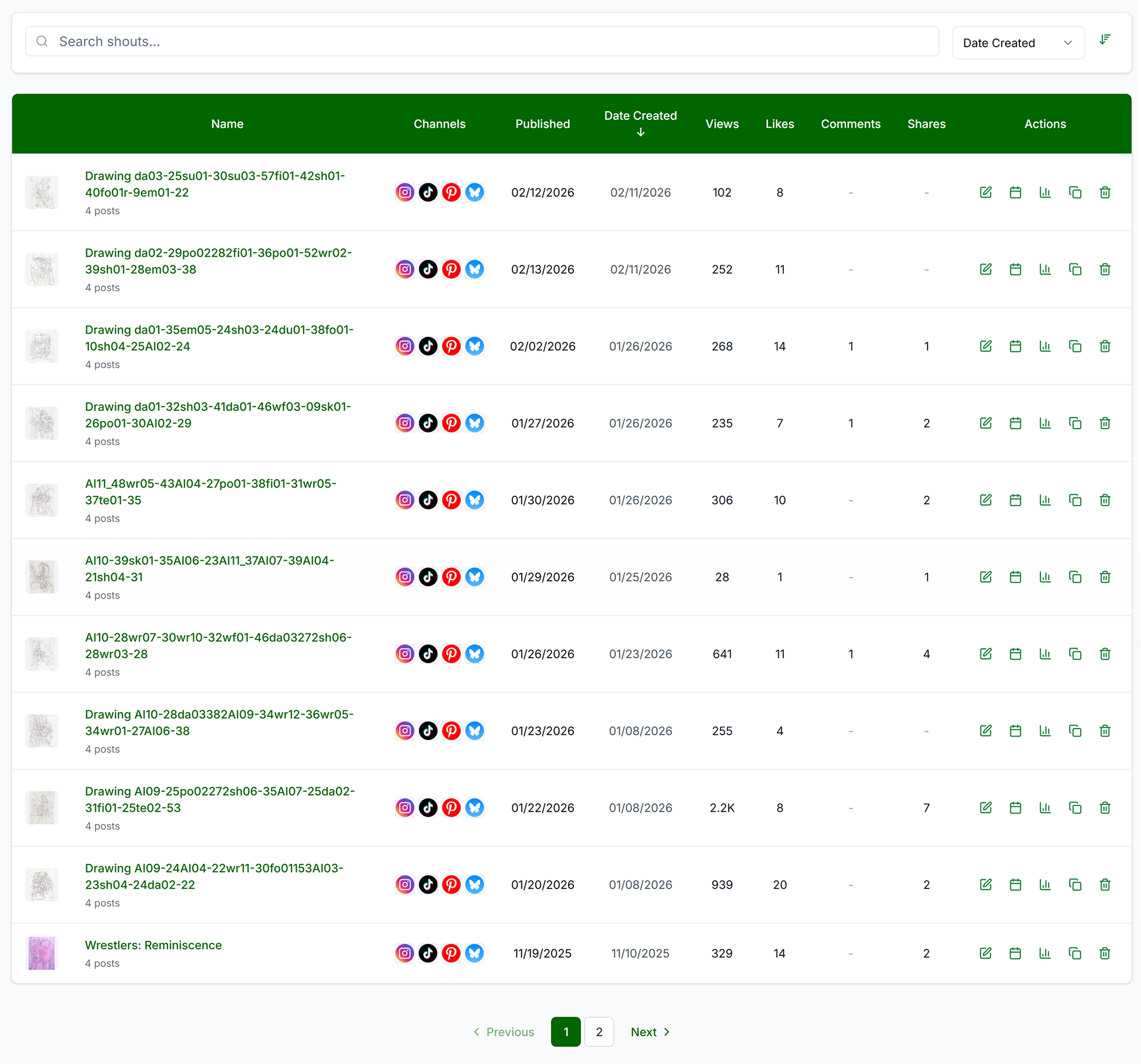
The Shouts page is your hub for managing your Shouts. View, schedule, copy, delete, and analyze performance. All columns are sortable, so if you want to see the Shout with the most shares, just click the Shares column header. You can search by name, date created, or date published.
Core Actions

- Edit: Clicking the Edit icon or the name of the Shout will open the Shout on the Preview page.
- Schedule: For drafts — opens Schedule Selector overlay, choose platforms and date/time
- Analyze: View metrics (Impressions, Views, Likes, Comments, Shares, etc.) per platform and a link to the specific platform post. Different platforms provide different analytics. Analytics for particular platforms may be delayed up to 36 hours.
- Duplicate: Duplicate Shout (same assets, copy, platforms) Creates an exact copy of the Shout which you can edit or schedule. All edits or changes will only apply to this unique new Shout. Does not copy analytics.
- Delete: Permanently remove. Scheduled = cancels publish. Published = removes from Get Shouting but posts stay live on platforms.
Troubleshooting
- Shouts not showing: Clear filters. Create a Shout.
- Schedule disabled: Shout may already be scheduled. Connect platforms. Add assets.
- Analytics not updating: Platform API delay (up to 24 hours). Reconnect platform if connection expired.